
Co-op Multiplayer: Player Limit and Shared Bases
Check ATMOSFAR solo and four-player online co-op, shared Cloud Cruiser building, crew roles and the multiplayer features not yet confirmed.
FAQ
How many people can play together?
What do players share during an expedition?
How many people can play together?
The official FAQ confirms up to four people in online co-op, and the Steam listing includes both single-player and online co-op. Four is the total advertised player count, not a promise of four guests in addition to a host. The game can also be played alone, so you do not need a full group to start learning its systems.
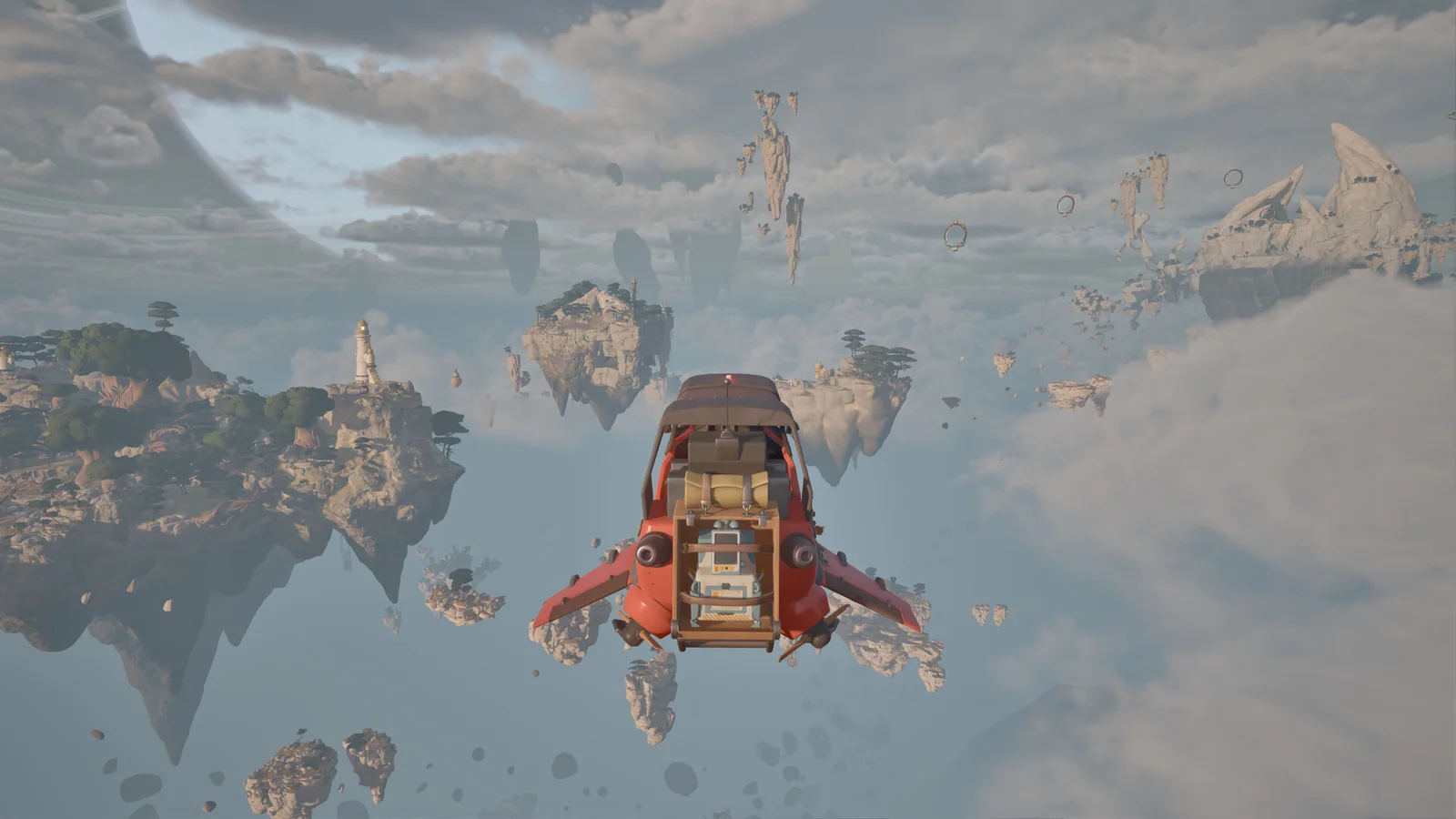
What do players share during an expedition?
The developer describes cooperation on building and operating the collective Cloud Cruiser. Friends can ride on a Wasp or fly together in separate craft. Before moving your base, agree where it is going and whether anyone is still exploring. Dividing navigation, gathering and maintenance is a useful crew arrangement, rather than a set of mandatory in-game classes.
Does that mean cross-play or split-screen is supported?
No such conclusion follows from the co-op label alone. The verified launch information establishes PC online co-op, but does not establish console cross-play, local split-screen, a standalone dedicated-server package or Steam-to-Epic joining instructions. Check the actual invitation interface and current official announcements before buying a second copy for a particular connection arrangement.
What should you check when a group has trouble?
Confirm everyone is using compatible game builds before troubleshooting the route itself. The developer distributes a separate experimental branch, so compare branch selection as well as the version label. Keep a record of who hosted, what the crew was doing and the visible error. Use the in-game reporting tool for reproducible game bugs; do not share account credentials to work around joining issues.
Related guides
Related Articles
base-building
Cloud Cruiser Guide: Build a Mobile Home Base
Plan the ATMOSFAR Cloud Cruiser around Wasp pads, fuel, power, research and access routes rather than an unverified optimal blueprint.
base-building
Portable Camp: Utility Wasp Setup and Moving
Use the Utility Wasp camp for crafting, cooking and recovery, and understand camp layouts without assuming old demo controls still apply.
exploration
Tycos Islands: Regions, Landmarks and POIs
Navigate ATMOSFAR floating islands, use landmarks with a crew and understand the difference between launch regions and future exploration.
Was this helpful?
Thanks for the feedback!