
Portable Camp: Utility Wasp Setup and Moving
Use the Utility Wasp camp for crafting, cooking and recovery, and understand camp layouts without assuming old demo controls still apply.
FAQ
What is the camp for?
How should you choose a camp location?
What is the camp for?
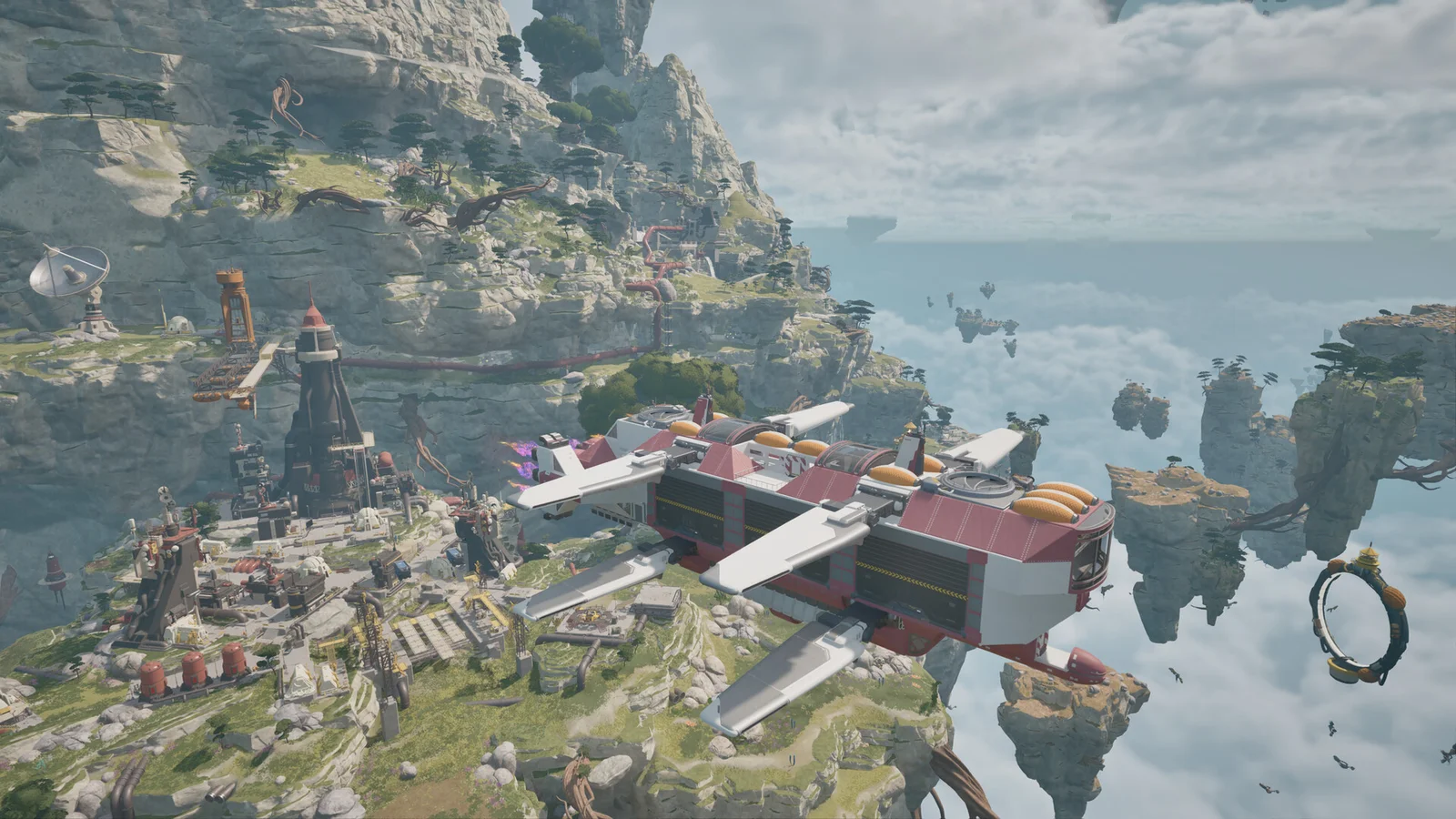
The camp is a compact service point for an expedition, rather than a replacement name for the Cloud Cruiser. The launch guide links it to the Utility Wasp and describes resource recovery, crafting, cooking and resting. Deploy it when your next job needs those facilities instead of carrying on with an empty personal supply or assuming the aircraft itself contains every workstation.
How should you choose a camp location?
Choose a place with room to reach the Wasp, the hub and the equipment you intend to use. That is practical layout advice, not a hidden placement bonus. Identify your next resource or repair job first, then put the workshop where it can support that job. Keep an understandable route back to the aircraft when investigating nearby structures.
Can you move a whole camp layout?
In Dev Blog 15, the developers described a camp-layout template intended for Early Access, with the hub used to pack and rebuild the layout. Treat that description as the design context and inspect the actual hub prompts in your build. This page does not prescribe an unverified hotkey or claim that every loose world object is automatically included.
When should you use a Cloud Cruiser instead?
The camp supports local trips with the Utility Wasp; the Cloud Cruiser is a larger moving base with systems such as fuel production, power and research. Develop that larger base as progression makes it available. Do not postpone learning the portable camp while waiting for it: the developer explicitly says the Cruiser was beyond the scope of the earlier demo.
Related guides
Related Articles
base-building
Cloud Cruiser Guide: Build a Mobile Home Base
Plan the ATMOSFAR Cloud Cruiser around Wasp pads, fuel, power, research and access routes rather than an unverified optimal blueprint.
exploration
Tycos Islands: Regions, Landmarks and POIs
Navigate ATMOSFAR floating islands, use landmarks with a crew and understand the difference between launch regions and future exploration.
exploration
Weather and Wildlife: Plan Safer Flights
Plan ATMOSFAR flights around changing winds, storms, night conditions and hostile wildlife without unsupported damage or weather immunity claims.
Was this helpful?
Thanks for the feedback!